Getting Started0.1 Navigation Sidebar
0.1 Navigation Sidebar
The Navigation Sidebar provides quick access to all major Rabta modules and account actions. It remains available throughout the platform, allowing you to move between operational areas without leaving your current workflow.
- 1At the top of the sidebar, you can view the currently selected Organization and access organization-related settings.
- 2Use the navigation menu to access Overview, Products, Orders, Pricing, Inventory, Analytics, Reports, Market Places, and Settings.
- 3The lower section contains Help & Account, Switch Organization, and Sign Out actions.
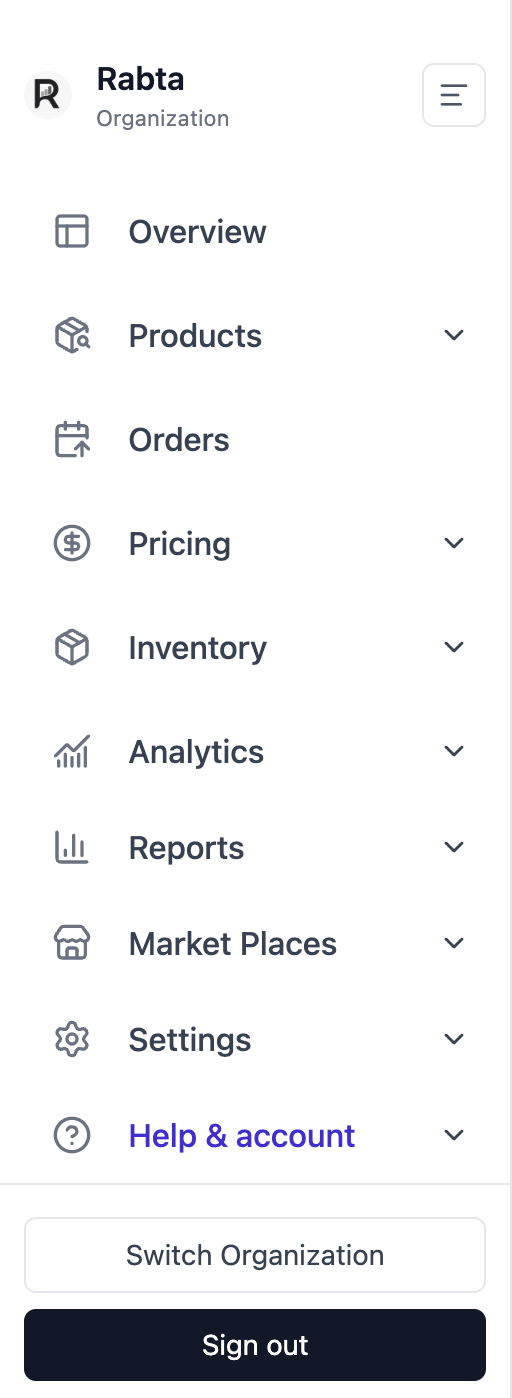
Navigation Sidebar